Ever tried to manage a group project where everyone just talks over each other? It’s chaos, right? Important details get lost, nobody knows who’s supposed to do what next, and the whole thing grinds to a halt.
Well, building multi-agent AI systems can feel a lot like that. The simple approach is to have agents call each other directly, like a chaotic group chat. Agent A finishes its task and pings Agent B, who then pings Agent C. It works for a simple demo, but in the real world, it’s a recipe for disaster. It's brittle, impossible to debug, and a nightmare to scale.
So, what’s the alternative? Imagine instead of a messy group chat, your team uses a central project management board. Everyone posts their updates to the board, picks up their next task from it, and can see the entire history of the project in one place. It’s organized, transparent, and everyone is on the same page.
That’s exactly the kind of system we’re going to build today for our AI agents using a brilliant tool called LangGraph. We’re going to create a structured "message bus" that acts as our central coordination hub, allowing our agents to work together seamlessly without ever talking to each other directly. Let's get started.
The Blueprint: A Central Message Board for Your Agents
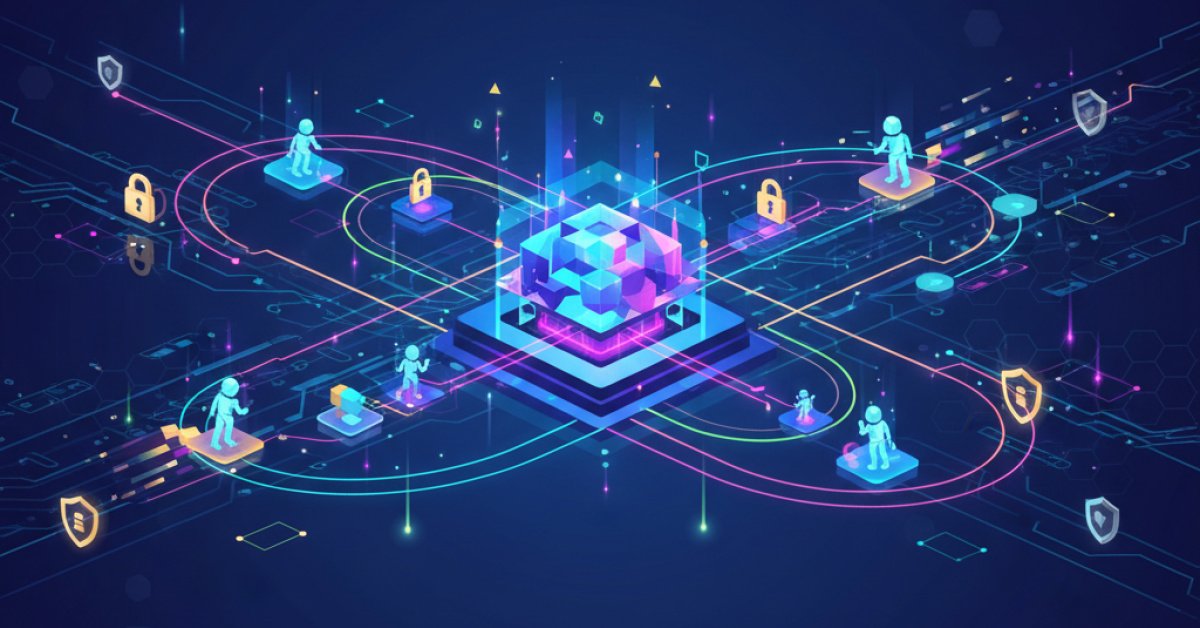
The core idea here is to shift from direct communication to a shared state. Instead of Agent A calling Agent B, Agent A will post a message to a central, shared "mailbox." Then, a router will see that message and decide it’s Agent B’s turn to act.
This might sound like adding an extra step, but the benefits are huge:
- Modularity: You can swap agents in and out without breaking the whole system.
- Traceability: Every single message is logged. You have a perfect audit trail of who did what and when.
- Scalability: It's way easier to add new agents to the team without having to rewire everything.
To build this, we’ll lean on a few key tools. LangGraph will help us define the workflow (who can act when), and Pydantic will help us create a strict "template" for our messages, so every agent communicates in the exact same format.
Step 1: Defining the Rules of Communication
First things first, we need a standardized way for our agents to talk. If one agent sends a "task" and another expects a "job," things will break. We'll use Pydantic to create a strict message schema. Think of it as creating a standardized form that every agent must fill out to send a message.
Our message form, which we'll call ACPMessage, will have a few required fields:
msg_id: A unique ID for every message.ts: A timestamp, so we know when it was sent.sender: Who sent the message (e.g., "planner").receiver: Who the message is for (e.g., "executor").msg_type: What kind of message is it? A "plan," a "result," an "error"?content: The actual message itself.
By enforcing this structure, we guarantee that communication is always clear and predictable. We’ll also set up a simple logging function that writes every single one of these messages to a file. This is our system's black box recorder—invaluable for debugging.
Step 2: Creating the Shared "Whiteboard"
Now that we have our message format, we need the central place to post them. This is our shared state, which we'll call BusState. It’s the single source of truth for the entire system.
Our BusState will keep track of a few key things:
goal: The original task we're trying to accomplish.mailbox: A list of all theACPMessages that have been sent so far.active_role: Whose turn is it to act right now?done: A simple flag to tell us if the job is finished.errors: A list to keep track of any problems that pop up.
We’ll also create a helper function, bus_update, that makes it easy for an agent to post a new message. When an agent calls this function, it will create a new ACPMessage, log it to our file, and add it to the mailbox in the shared state.
Step 3: Assembling Our Team of Specialist Agents
With the communication infrastructure in place, it’s time to create our agents. For this project, we’ll build a team of three specialists: a Planner, an Executor, and a Validator.
The Planner: The Big-Picture Strategist
The Planner’s job is to take the user's high-level goal and break it down into a concrete, actionable plan. It’s the project manager of our little team. It receives the initial goal, thinks for a moment, and then posts a "plan" message to the bus, addressed to the Executor.
The Executor: The Hands-On Doer
The Executor is our workhorse. Its job is to pick up the plan from the message bus and, well, execute it. It does the actual work required to achieve the goal. Once it's finished, it bundles its work into a "result" and posts that to the bus, addressed to the Validator.
The Validator: The Quality Assurance Inspector
Finally, we have the Validator. This agent’s only job is to ensure the work was done correctly. It picks up the "result" message from the Executor and inspects it. Does the result match the original goal? Is it in the right format?
If everything looks good, it sends a "validation" message with a "pass" status. If something is wrong, it sends a "fail" status and flags the whole process as done, logging the errors. This QA step is crucial for building reliable systems.
Step 4: Directing Traffic with a Router
So, we have our agents and our message bus. But how does the system know whose turn it is? That’s where our router comes in.
We'll create a simple function called route_next. After each agent takes its turn, LangGraph will call this function. It looks at the active_role in the shared state (which was set by the last agent's message) and directs the workflow to the next agent in the chain. For example, if the active_role is "executor", the router points to the executor agent. If the state is marked as done, it routes to END, finishing the process.
This simple function is the traffic cop for our entire system, ensuring a smooth, orderly flow of work.
Step 5: Bringing It All to Life with LangGraph and Persistence
Now for the magic. We'll use LangGraph to wire everything together. We define each of our agents as a "node" in a graph and use our route_next function to create "conditional edges" that connect them. This visually and programmatically defines our workflow: Planner -> Executor -> Validator.
But here’s a really critical piece for any production system: persistence. What happens if the program crashes halfway through? We don't want to lose all our work.
To solve this, we’ll hook up a simple SQLite database as a "checkpointer." Every time the state of our graph changes (i.e., an agent sends a message), LangGraph automatically saves the entire BusState to the database. If something goes wrong, we can restart the process, and it will pick up exactly where it left off. It’s like an auto-save feature for our agent team.
Step 6: Let's See It in Action!
With everything built and connected, we can finally run it. We'll give our system a goal, like "Design an ACP-style message bus," and kick it off.
After it runs, we can inspect the final state. We can see if it completed successfully, how many steps it took, and if there were any errors. We can also print out the last few messages from the mailbox to see the conversation that happened.
But the coolest part is looking at the data we've collected. We can open our acp_messages.jsonl log file and see a perfect, timestamped record of every single action.
We can also visualize the workflow. Using a simple library, we can draw two graphs:
- The Orchestration Graph: This shows our intended workflow (Planner -> Executor -> Validator).
- The Communication Graph: This shows the actual path the messages took during the run, built from the log of who sent messages to whom.
Seeing these graphs makes it incredibly easy to understand and debug the system's behavior. You can literally watch how information flows between your agents.
Why This Approach Is Worth It
I know this seems like a lot more setup than just having agents call each other. But this message bus architecture is how you graduate from building fun AI toys to engineering real, production-grade AI systems.
By forcing communication through a structured, persistent, and observable central hub, you gain a system that is far more reliable, easier to debug, and ready to scale. You can now confidently add more agents, introduce more complex routing logic, or even have multiple teams of agents working on different tasks, all without the system collapsing into chaos. It’s a foundational pattern for building the next generation of sophisticated AI applications.