Have you ever seen one of those wild face-swap videos on TikTok or an animated photo on Instagram and thought, "How in the world did they do that?" For a long time, creating stuff like that required some serious editing skills and expensive software. Not anymore.
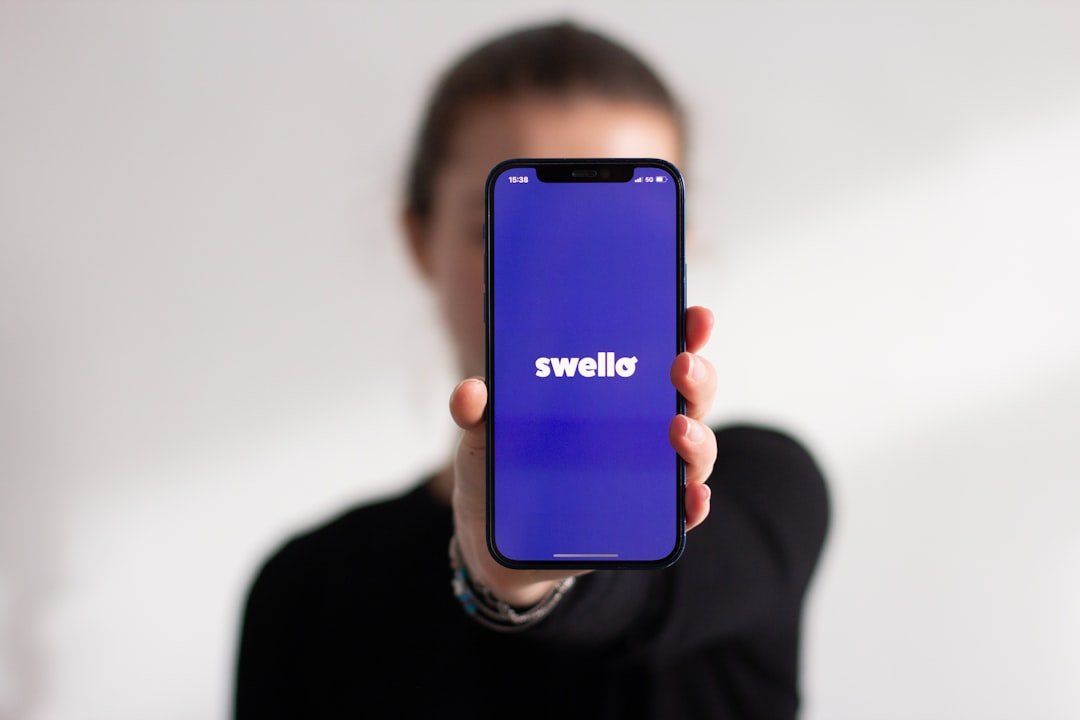
These days, AI is putting a little creative studio right in your pocket, and apps like Swapzy AI are a perfect example. It’s a mobile tool that promises to turn your photos and a few words into cool little animations, no video editing degree required.
But with so many AI apps popping up, it's fair to ask: What does this one actually do? And is it going to hit me with a surprise subscription fee the second I start having fun? Let's break it all down, friend to friend.
So, What Exactly is Swapzy AI?
Think of Swapzy AI as a creative playground on your phone. It’s not trying to be a professional-grade video editor like Adobe Premiere Pro. Not even close. Its whole vibe is about making fun, quick, and shareable content without the headache.
The interface is super simple. If you can use Instagram, you can use Swapzy. You’re not messing with timelines or keyframes; you’re just tapping buttons, uploading photos, and letting the AI do the heavy lifting. It feels more like you're brainstorming visuals than actually editing them, which I think is a huge plus for most of us.
Once you’ve made something you like, you can save it to your phone or share it directly to your social media accounts. Simple as that.
What Can You Actually Do With It?
Alright, let's get into the good stuff. What kind of magic can you cook up with this app? It’s more than just a one-trick pony.
Here’s a quick rundown of the main features:
- Face Swapping in Videos: This is probably the feature that gets the most attention. You can take any video—either one you upload or one you link to from places like YouTube, TikTok, or X (formerly Twitter)—and swap a face into it. It’s a classic internet gag, and Swapzy makes it incredibly easy to pull off.
- Creating AI Portraits: Ever wondered what you’d look like if a famous artist painted you? This feature lets you do just that. You can upload a photo and apply over 45 different AI painting styles to get some really cool, photorealistic results that mimic real brushstrokes. Perfect for a unique new profile picture.
- Turning Photos into AI Videos: This is where you can bring your static pictures to life. The app can "animize" your photos, turning them into short, dynamic video clips with some slick creative effects. It’s a great way to make your photo library feel a little more alive.
- Simple In-App Editing: While it’s not a full-blown editor, you do get some basic tools. You can trim your video clips down to get just the part you need, which is super handy. You can even work with clips up to about ten minutes long, which is pretty generous for a mobile app like this.
- Social Media Flair: Beyond just the core functions, you can also tap into a bunch of effects and audio clips to spice up your creations before sharing them on Facebook or Instagram.
Basically, Swapzy AI blends face-swapping, avatar-making, and video animation into one easy-to-use package. It's a versatile little tool for anyone wanting to make playful edits, standout profile pics, or just some fun clips to share with friends.
Okay, But How Much Does It Cost?
This is the big question with any "free" app, right? Here’s the deal with Swapzy AI.
When you first download it, you get a handful of free credits. This is great because it lets you actually test drive the features and see if you like what the app can do. You can make a few things and get a feel for the results without spending a dime.
However, once those free credits are gone, you hit a paywall. To keep creating, you have two choices: either top up your credits by buying more or sign up for a subscription plan. This "freemium" model is pretty standard, but it's something to be aware of. If you plan on using it a lot, the costs could start to add up.
When You're Ready for Something More
Sooner or later, with an app like Swapzy, you might find yourself hitting a wall. Maybe you burn through your free credits too fast, or the subscription cost feels a bit steep for what you're doing. Or maybe, you just start wishing you had a little more creative control.
This is a really common journey for people getting into AI-generated content. You start with a simple, user-friendly tool, and eventually, your curiosity leads you to look for alternatives that offer more power or fewer restrictions.
This brings us to the broader world of AI video generators. Most of them work in a similar way: you give the AI an input, like a photo or a detailed text prompt, and it tries to generate an animated clip based on that. The AI has been trained on mountains of data, so it knows how to guess what motion, lighting, and camera angles should look like to make a static image feel like it's moving.
But let’s be real, the technology isn't perfect. You’ll still see some common drawbacks, like slightly stiff or unnatural motion, limitations on the subjects you can animate, and—in the free versions—an almost-guaranteed watermark on your final video.
Because of these limitations, a lot of users eventually start exploring other platforms, especially when they want more adaptable or "unfiltered" results. They start looking for tools that give them wider control, more generous free tiers, or just lighter restrictions on what they can create. Swapzy is a fantastic starting point, but it's good to know it's just one stop on a much bigger map of AI creativity.