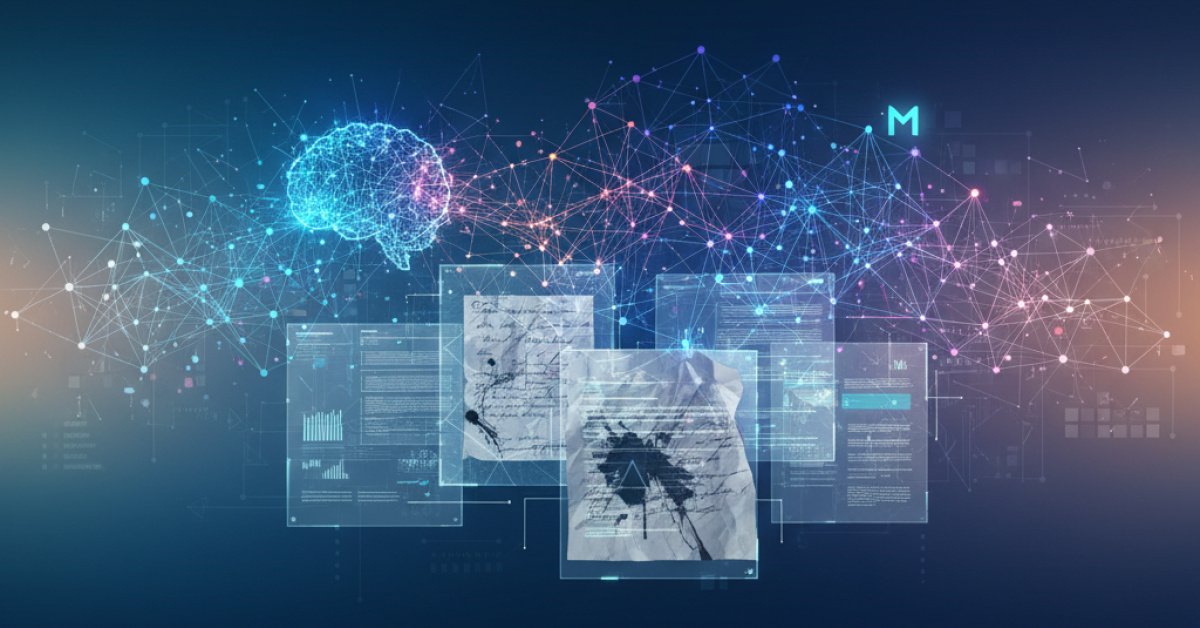
Let's be honest, dealing with documents can be a nightmare. We’ve all been there—staring at a scanned PDF that’s slightly skewed, trying to make sense of a form with frantic handwriting, or attempting to copy-paste a table that just refuses to cooperate. It’s the digital equivalent of trying to read a crumpled-up note you found in your pocket.
For years, Optical Character Recognition (OCR) has been the go-to solution, but it often felt… clumsy. It could pull out the text, sure, but it usually lost all the context—the layout, the tables, the structure. It was like getting a list of ingredients without the recipe.
Well, the team at Mistral AI is taking another big swing at this problem. They just released Mistral OCR 3, the new engine powering their Document AI stack, and it looks like a serious step up. This isn't just about reading words; it's about understanding documents the way a human would.
So, What's the Big Deal with Mistral OCR 3?
At its core, Mistral OCR 3 is built to tackle the kind of documents that make other systems stumble. Think about the typical paperwork that runs a business: invoices, compliance forms, handwritten notes on a printed report, and tables with more merged cells than you can count.
Mistral says their new model, officially named mistral-ocr-2512, is specifically tuned for these real-world headaches. And they have some numbers to back it up. In their internal tests against the previous version, OCR 3 won out 74% of the time. That’s a pretty significant leap forward.
But here’s the part that really got my attention: the output. Instead of just giving you a wall of text, it gives you a clean Markdown file that preserves the document's layout. And if you ask it to, it will even reconstruct complex tables into proper HTML. This is huge. It means you can feed the output directly into a search system, an analytics tool, or a RAG (Retrieval-Augmented Generation) pipeline without spending hours trying to piece the structure back together.
The Four Areas Where It Gets a Major Upgrade
Mistral is highlighting four specific areas where OCR 3 leaves its predecessor in the dust. Let’s break them down because this is where you’ll feel the difference.
1. Finally, an OCR That Can Read Your Doctor's Handwriting
We’ve all seen it—cursive that looks like a scribble, notes squeezed into the margins, and handwritten text scrawled over a printed form. OCR 3 is much better at deciphering this kind of mixed content. It’s designed to handle the natural messiness of human interaction with paper.
2. Taming the Beast of Complex Forms
Forms are notoriously difficult for AI. You have tiny checkboxes, labels that don't quite line up with their fields, and handwritten entries all crammed together. Mistral OCR 3 has improved its ability to detect all these little elements in dense layouts, making it much more reliable for things like processing invoices, receipts, and government paperwork.
3. Making Sense of Bad Scans
Remember that document someone scanned in 2005 on a dusty office machine? The one that’s a little crooked, blurry, and full of compression artifacts? OCR 3 is built to be more resilient to this kind of low-quality input. It’s more robust against skew, distortion, low DPI, and background noise, which means you don't need a perfect-quality scan to get a good-quality result.
4. Tables That Actually Work
This might be my favorite upgrade. If you’ve ever tried to extract data from a table with merged cells, headers that span multiple columns, or multi-row blocks, you know the pain. OCR 3 can now reconstruct these complex structures into clean HTML, using the proper colspan and rowspan tags. This means the table you get out looks and functions just like the table that went in.
How You Actually Use It
Mistral has integrated OCR 3 right into its Document AI platform, which you can play with directly in the Mistral AI Studio. You can just upload a PDF or an image and see the results right away, no code required. It’s a great way to kick the tires and see if it works for your specific documents.
When you're ready to move to production, the same pipeline is available through a public API. It's a single, clean endpoint that can handle a bunch of different formats. You can point it to a URL for a PDF, a PowerPoint, or a Word doc, or give it an image URL for a PNG or JPEG. You can even upload files directly.
The response you get back is a well-structured JSON object. It breaks the document down page by page, giving you the markdown text, a list of any images it found, and a list of those beautiful HTML tables. It even uses simple placeholders in the markdown, like `