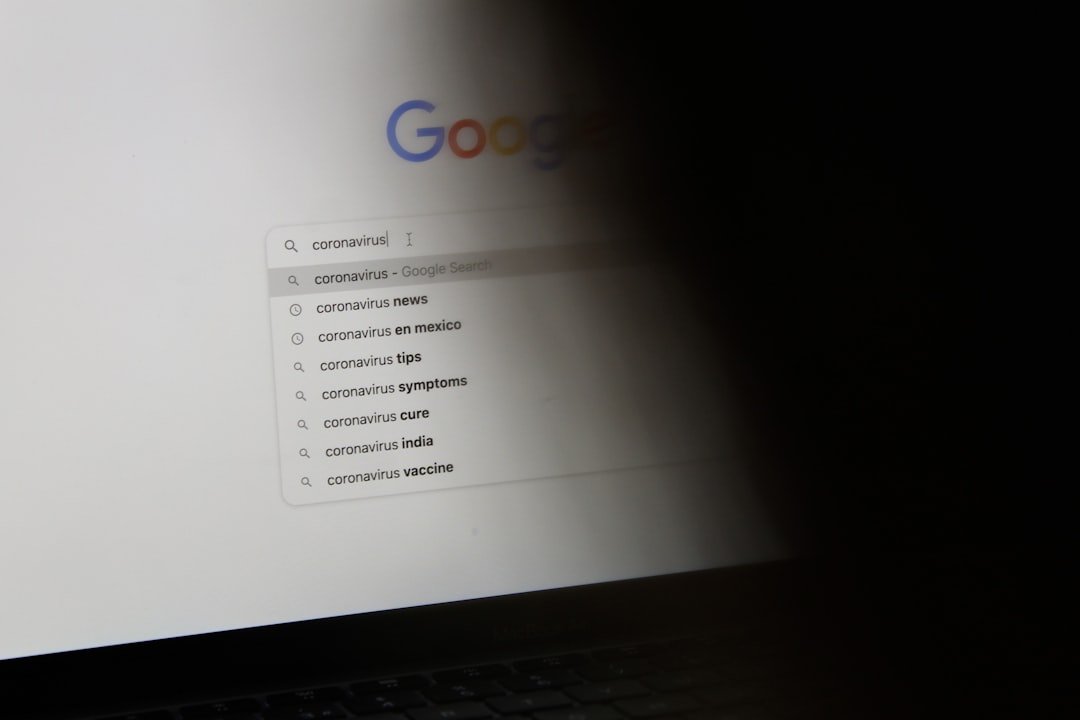
Let's be honest, we all do it. When you have a question—any question—your fingers automatically type it into that familiar Google search bar. We’ve been trained for two decades to trust that the top results, and especially the little summary box, will give us a quick, reliable answer.
But that's changing. And it's changing in a way that could put you at risk.
With the rollout of Google’s AI Overviews, that summary box is now supercharged. It’s no longer just a snippet from a single webpage. Instead, an AI reads multiple sources and writes a brand-new, conversational answer just for you. It feels helpful, right? The problem is, sometimes it’s not just wrong—it’s a trap. We’re not just talking about the funny (and alarming) "add glue to your pizza" kind of mistake. We're talking about something far more sinister: scammers are deliberately poisoning the well.
So, How Are Scammers Hijacking Google's AI?
To understand how this works, you have to remember what Google’s AI is actually doing. It’s not a super-intelligent brain that knows things. It’s a super-fast reader and summarizer. It scans countless websites, forums, and articles to piece together what it thinks is the best answer to your question.
Think of it like a research assistant who’s incredibly fast but a little too trusting. It reads everything you give it and tries to find a consensus.
Scammers know this. And they're exploiting it.
They’re using old-school black-hat SEO (Search Engine Optimization) tricks on a new-school platform. They create fake websites, spam forums like Reddit and Quora with misleading information, or stuff their pages with keywords designed to catch the AI’s attention. They build a web of seemingly legitimate (but actually fake) sources that all point to the same wrong answer.
When the AI assistant goes looking for information, it sees all these sources saying the same thing and thinks, "Aha! This must be the correct answer." It then confidently serves up that malicious information to you in a neat, authoritative-looking AI Overview.
What Do These AI Scams Actually Look Like?
This isn't just a theoretical problem. It’s happening right now, and it can take some pretty nasty forms. The goal is always the same: to trick you into giving up money, personal information, or control of your computer.
Here are a few of the scams people are already running into:
- Phishing Scams: You might search for your bank's customer service number. The AI Overview could serve up a fake number planted by scammers. You call it, thinking you're talking to a legitimate bank representative, and they trick you into giving them your account details and password.
- Malware Downloads: Looking for a specific piece of software or a solution to a tech problem? The AI might direct you to a website with a "helpful" download link. You click it, and boom—you've just installed malware or ransomware on your device.
- Fake Tech Support: Your computer is acting up, so you search for "how to fix [error code]." The AI Overview provides a phone number for "Microsoft Support." You call it, and a scammer convinces you to give them remote access to your computer, where they can steal your files or install malicious software before charging you a hefty fee for their "service."
- Bad Financial or Health Advice: This one is particularly scary. Scammers can create content that pushes bogus investment schemes or dangerous health "cures." Because it's presented in the calm, confident tone of an AI, it can seem much more credible than a sketchy post on social media.
The scary part is that the AI delivers this bad information with the same neutral, helpful tone it uses for everything else. There’s no warning label, no red flag. It just looks like another helpful answer from Google.
This Isn't Just an "AI Fail"—It's a Security Threat
It's easy to lump this in with all the other weird AI mistakes we've seen. But it's fundamentally different. An AI "hallucinating" and telling you to eat rocks is a flaw in the system. Scammers deliberately manipulating the system to harm you is an attack.
Google is in a constant cat-and-mouse game with spammers. They've been fighting this battle for years in their traditional search results. But AI Overviews adds a dangerous new layer. It strips away some of the context we use to judge a source's credibility.
When you see a list of blue links, you can make a quick judgment call. You can see the website's URL—is it a trusted name like the New York Times, or is it a weird domain like "best-tech-fixes-4u.biz"? You have clues. The AI Overview often hides those clues, presenting the information as a finished product and making it harder for you to spot the deception.
Your Game Plan: How to Stay Safe in This New Search World
Okay, so this sounds pretty bleak. But it doesn't mean you have to stop using search engines. It just means we need to update our habits. We have to shift from being passive consumers of information to being active, critical thinkers.
Here’s what you can do, starting today:
-
Treat AI Overviews with Healthy Skepticism. Think of the AI Overview as a starting point, not the final answer. It’s a summary of what’s out there on the web—both the good and the bad. Never, ever take its word as gospel, especially for important topics.
-
Always Check the Sources. This is the most important step. The AI Overview will usually have links to the websites it used to generate the answer. Click them. See where the information is actually coming from. Are the sources reputable? Do they look legitimate? If the AI doesn't show its sources, that's a massive red flag.
-
Go Directly to the Source for Critical Info. If you need to contact your bank, log into a government service, or get medical advice, don't rely on a search summary. Type the official URL directly into your browser (e.g.,
chase.comorirs.gov). Bookmark your important sites so you don't even have to search for them. -
Look for Consensus from Trusted Brands. If you're researching a topic, don't just rely on the AI's summary. Do a quick scan of the traditional search results. Are well-known, established websites all saying the same thing? If an AI Overview says something that contradicts major news outlets or official sources, trust the humans.
The bottom line is that the internet has always had bad actors, and AI is just giving them a powerful new tool. Our best defense is the one thing AI can't replicate: our judgment.
The way we find information online is undergoing a massive shift. It's not about being scared of the technology; it's about being smart. A little bit of caution and a critical eye can go a long way in making sure you're getting real answers, not falling into a scammer's trap. Stay sharp out there.